
• Photo cameras
  • Lenses
  • Tripod
  • Video Cameras
  • Bags
  • Studio
  • Image editing
  • Binoculars
  • Accessories
  • Promotions
  • Canon
  • Sony
  • Nikon
  • Panasonic
  • Fujifilm
  • Sigma
  • DJI
  • Tamron
  • OM SYSTEM
  • Epson
  • All brands
  • Popular Sony Cameras
  • sony-a7v-1.jpg

    Sony A7 V

  • sony-a6700-body_1.jpg

    Sony A6700 body

  • 12311310_1.jpg

    Sony Cybershot DSC-RX100 mark VII

  • Popular Sony Lenses
  • SONY-FE-24-70MM-F2.8-GM-II-1.jpg

    Sony FE 24-70mm F/2.8 GM II

  • SONY-FE-24-105MM-F4.0G-OSS-1.jpg

    Sony FE 24-105mm F4 G OSS E-Mount

  • SONY-FE-50MM-F1.8-1.jpg

    Sony 50mm F1.8 E-Mount Full Frame

  • Popular Nikon Cameras
  • Nikon-Z8_1.jpg

    Nikon Z8 body

  • nikon-z6-iii-1.jpg

    Nikon Z6 III

  • nikon-zf_1.jpg

    Nikon ZF

  • Popular Nikon Lenses
  • Nikon Z 24-70mm F28 S-line Nikkor 1.jpg

    Nikkor Z 24-70mm F2.8 S

  • Nikon-Z-70-200mm-F18-S-line-Nikkor-1.jpg

    Nikon Z 70-200mm F/2.8 S-line Nikkor

  • Nikon-Z-135mm-F1.8-1.jpg

    Nikon Z 135mm F/1.8 S-line Plena

  • Popular Panasonic Cameras
  • panasonic-g9ii-1.jpg

    Panasonic LUMIX DC-G9II

  • panasonic_lumix_S52X-1.jpg

    Panasonic Lumix DC-S5IIX Body

  • panasonic_lumix_s5_m2_body.jpg

    Panasonic Lumix DC-S5II body

  • Popular Panasonic Lenses
  • 12289260_1.jpg

    Panasonic 24-105mm F4.0 L-Mount

  • panasonic-lumixs-50mm-f18_1.jpg

    Panasonic Lumix S 50 mm F/1.8

  • 12217412_1.jpg

    Panasonic Lumix G Vario 100-300mm F4-5.6 II O.I.S.

  • Popular Fujifilm Cameras
  • fujifilm_x-t5_zwart-1.jpg

    Fujifilm X-T5 Body Black

  • Fujifilm-X-E5-zwart-1.jpg

    Fujifilm X-E5 black

  • fujifilm-x100vi-silver-1.jpg

    Fujifilm X100VI silver

  • Popular Fujifilm Lenses
  • Fujifilm_30700_foto1.jpg

    Fujifilm XF 70-300mm F/4.0-5.6 R LM OIS WR

  • 11024042_32426.jpg

    Fujinon XF 16-55mm f/2.8 R LM WR

  • Fujifilm_XF33mm_F14_RWR_foto1.jpg

    Fujifilm XF 33mm F/1.4 R WR

  • Popular Sigma wide angle lenses
  • sigma-24-70-f2.8-dgdnii-art-lens-1.jpg

    SIGMA 24-70mm F2.8 DG DN II Art Sony E-mount

  • Sigma-18-50-E_1.jpg

    Sigma 18-50mm F/2.8 DC DN Contemporary Sony E

  • Popular Sigma macro lenses
  • Sigma_105mm_F2.8_1_2.jpg

    Sigma 105mm F/2.8 DG DN Macro ART Sony FE

  • Popular Sigma telephoto lenses
  • 12201072_1.jpg

    Sigma 150-600mm F/5-6.3 DG OS HSM Contemporary Canon EF

  • Sigma_70_200_2.8_1.jpg

    Sigma 70-200mm F/2.8 DG DN OS Sports Sony FE-mount

  • Popular DJI Drones
  • DJI Mini 5 Pro Fly More Combo + Smart Controller & Cleaning Kit_1.webp

    DJI Mini 5 Pro Fly More Combo + Smart Controller & Cleaning Kit

  • 12508293_1.jpg

    DJI Air 3S Fly More Combo + RC 2 Remote Controller

  • Popular DJI action cameras
  • dji-osmo-action-6-adventure-combo-1.webp

    DJI Osmo Action 6 - Adventure Combo

  • osmo pocket4-in the box 2.jpg

    DJI Osmo Pocket 4 Creator Combo

  • Popular DJI Stabilisers
  • dji-rs-5-combo_12.jpg

    DJI RS 5 Combo

  • DJI-RS-4-Mini-1.jpg

    DJI RS 4 Mini Combo

  • Popular Tamron wide angle lenses
  • 12308793_1.jpg

    Tamron 17-28mm F/2.8 Di III RXD Sony FE

  • Tamron-28-75mm-F2.8-Di-III-VXD-G2_2.jpg

    Tamron 28-75mm F/2.8 Di III VXD G2 Sony FE

  • Popular Tamron macro lenses
  • Tamron-20mm-F28-Di-III-OSD.jpg

    Tamron 20mm F/2.8 Di III OSD Sony FE

  • Popular Tamron telephoto lenses
  • Tamron 28-200mm F2.8-5.6 Di III RXD_1.jpg

    Tamron 28-200mm F/2.8-5.6 Di III RXD Sony FE

  • 12425774-1.jpg

    Tamron 50-400mm F/4.5-6.3 Di III VC VXD Sony FE

  • Popular Olympus Cameras
  • 12481096_1.jpg

    OM SYSTEM OM-1 mark II body

  • OMSystem_Tough_TG7_rood_foto1.jpg

    OM SYSTEM Tough TG-7 - Red

  • Olympus-E-M10-IV-zilver_1.jpg

    Olympus OM-D E-M10 Mark IV Silver

  • Popular Olympus Lenses
  • om-system-mzuiko-12-40mm_1.jpg

    OM SYSTEM MFT 12-40 mm F/2.8 PRO II

  • 11011001_24500.jpg

    Olympus M.Zuiko Digital ED 60mm F2.8 Macro Black

  • Olympus_MFT_14-150mm_f40-56II_zwartED_M.JPG

    Olympus M.Zuiko Digital 14-150mm F4.0-5.6 II Black

  • Popular Epson printers
  • Epson-EcoTank-ET-8550_1.jpg

    Epson EcoTank ET-8550 All-in-one A3+ Photo Printer

  • 12364673_1.jpg

    Epson EcoTank ET-8500 All-in-one Photo Printer

  • 12333395.jpg

    Epson SureColor SC-P700 A3+ Photo Printer

  • Popular Epson scanners
  • 12171706_1.jpg

    Epson Perfection V600 Photo

  • 12203118.jpg

    Epson Perfection V850 Pro

  • 12447712_1.jpg

    Epson Perfection V39II Scanner

  • Nature photography
  • City photography
  • Model photography
  • Action photography
  • Reportage photography
  • Studio photography
  • Videography
  • Techniques

10 tips for filming with drones

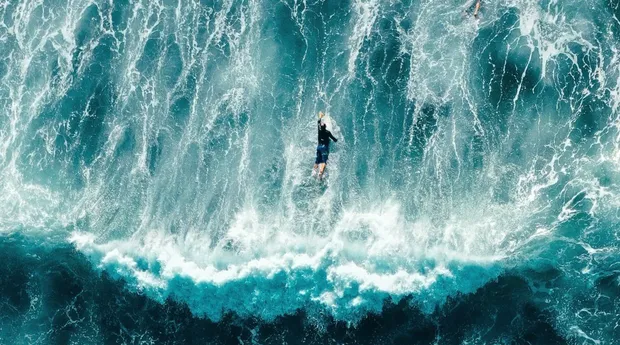
We all know it, those beautiful aerial video images of your own surroundings or your favourite city. Of course, these were made with drones. If you want to create impressive video footage with your drone yourself, check out our 10 tips for filming with a drone below.
Preparation

filmen-met-drones-shot-list.jpg

1. Translate your vision into shots

Of course, the temptation is to start filming right away, but it is wiser to work out your ideas in advance in the form of a shot list. This is how you turn your vision into a concrete plan. Moreover, with this shot list, you make it immediately clear what story you are going to tell. While filming, you have an elaborate concept, and you can always improvise.

filmen-met-drones-back-up.jpg

2. Take enough extras with you

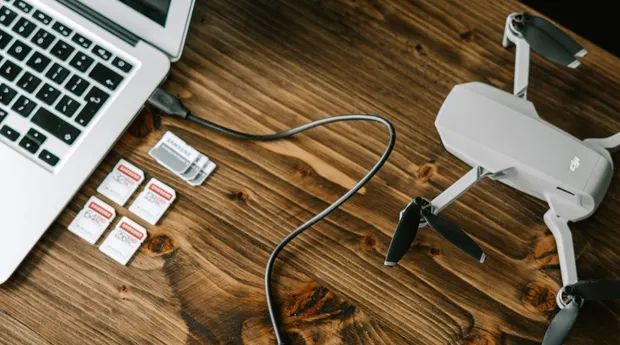
In addition to making a shot list, it is important to carry plenty of extras, think of batteries, propellers and memory cards. It doesn't hurt to have a small laptop and portable hard drive with you when you travel, for example. Then you can view and save your images immediately. Also, consult regulations and no-fly zones in advance..

Flying

filmen-met-drones-camera-richting.jpg

3. Use the camera directions

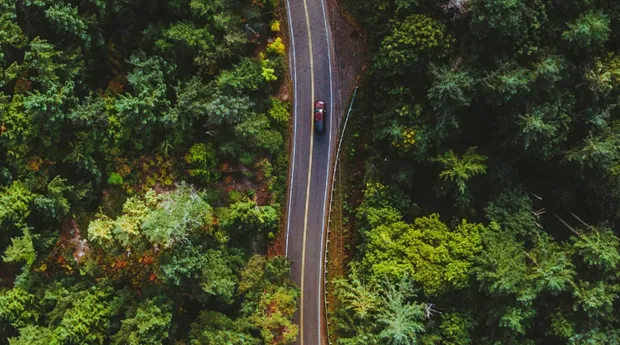
It seems like an obvious tip, yet many creators overlook it. Most pilots point their drone's camera forward while other directions can provide new perspectives. For example, point the camera downward to bring interesting lines and patterns to the foreground.

filmen-met-drones-volgen.jpg

4. Extend your shots

Nothing is worse than finding out in post-processing that a beautiful shot has become unusable because there is not enough opportunity for a transition in the next shot. Therefore, always hold shots for an additional 3 seconds. Viewers also find longer drone shots enjoyable to watch because they have a lot of information to absorb.

filmen-met-drones-plotselinge-bewegingen.jpg

5. Avoid rushed movements

Another disadvantage for post-processing is a shot with hurried movements. This is often caused because as a pilot you discover a different perspective while flying. Drone footage, on the other hand, is characterised by quiet, smooth movements. Therefore, make these with your drone's flight path or use panning for calm images.

filmen-met-drones-dichtbij-objecten-voorgrond.jpg

6. Use objects for depth

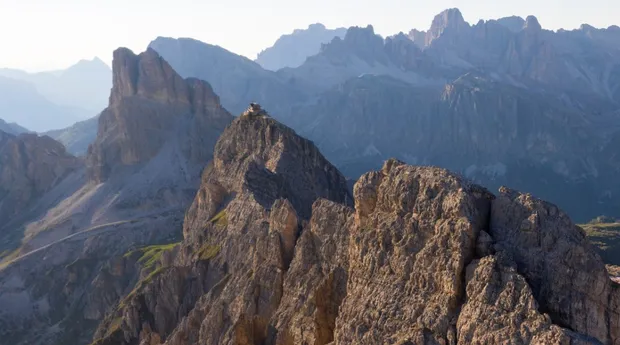
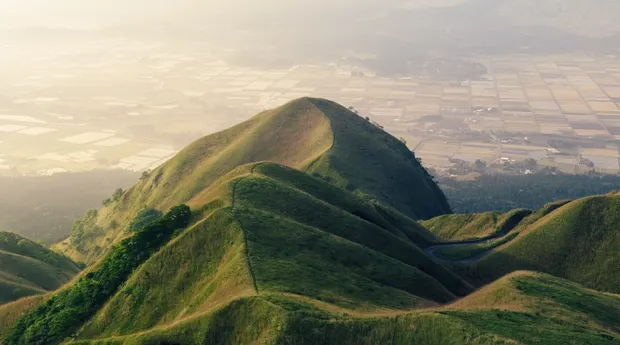
Use objects in the foreground to create depth and convey movement. Large objects in particular cause the subject to separate from the background. For example, fly close to a mountain to emphasize the depth of the valley. Just make sure it remains safe for you and those around you and that you can't damage your drone.

filmen-met-drones-doorkijkje.jpg

7. Use see-throughs

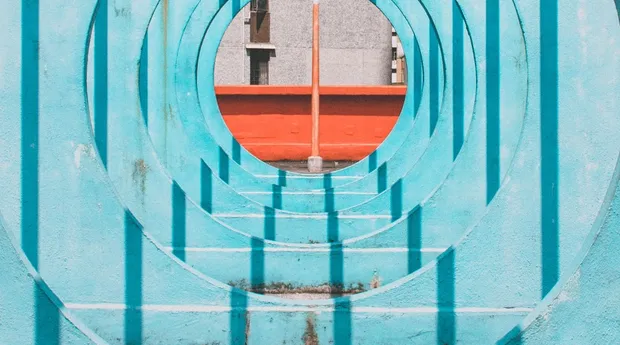
Use fly-through shots where you fly through an object. This is how you take the audience on a journey with you. See-throughs are perfect for this. Note that these types of shots can be complicated. A fly-through shot comes across as cinematic and gives your video a professional look.

filmen-met-drones-achterwaarts.jpg

8. Fly backwards

Flying backwards with your drone allows you to reveal a subject. So you don't focus on a single detail, but zoom out, as it were, to bring a bigger picture into view. If flying backwards is still a bit complicated for you, you can of course also choose to manipulate the images in post-processing so that it looks as if the drone is flying backwards.

Processing

filmen-met-drones-versnellen.jpg

9. Accelerate

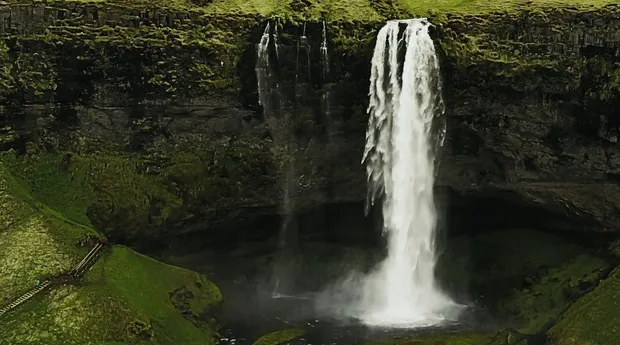
Sometimes, with larger landscape elements, such as waterfalls and mountains, drone images can come across a bit slower on the screen than you initially expected. To make sure the viewer doesn't get bored, you can speed up the images in post-processing to as much as 300 in the playback speed settings. This way, you add more movement.

filmen-met-drones-muziek-geluidseffecten.jpg

10. Use sound

Add sound effects and music to your video footage in post-processing. Look for sound effects and music that can enhance your images without distracting the viewer. Sound should complement the video. For example, include the sound of flowing water among images of a waterfall to provide viewers with a full experience.